Remote for LG TV
AppAgency Labs
Downloads
10,000,000+
Source
Google Play
Advertisement
Click to download now, finish the installation quickly, and directly unlock the all-round experience
Advertisement
Screenshots
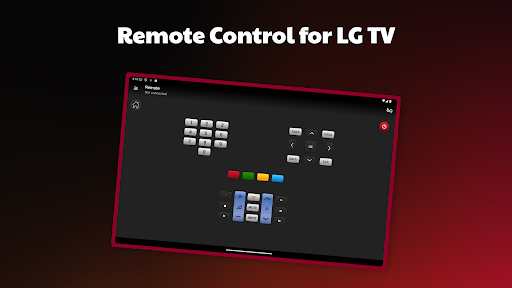
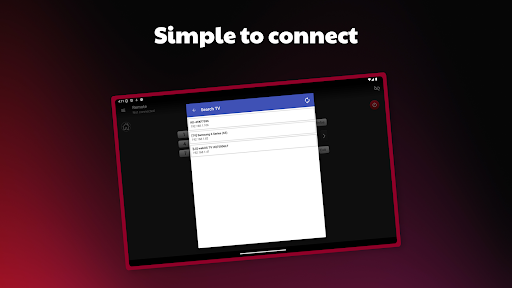
Click to download now, finish the installation quickly, and directly unlock the all-round experience
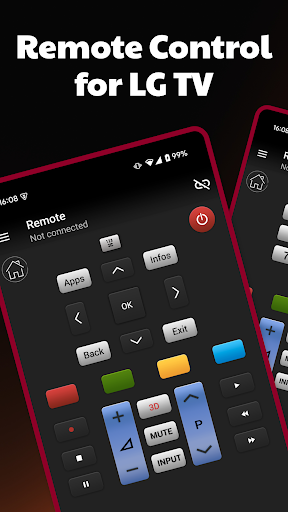
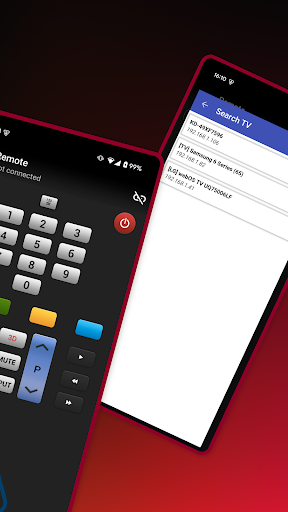
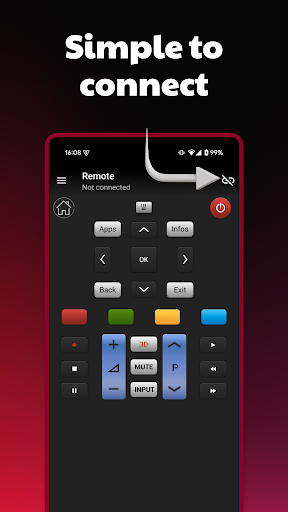
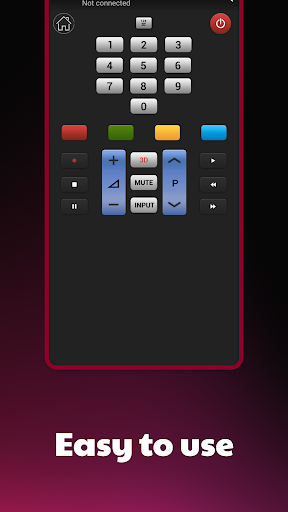
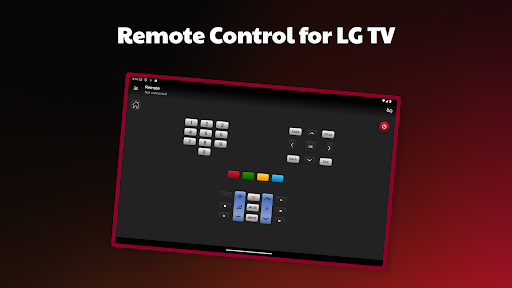
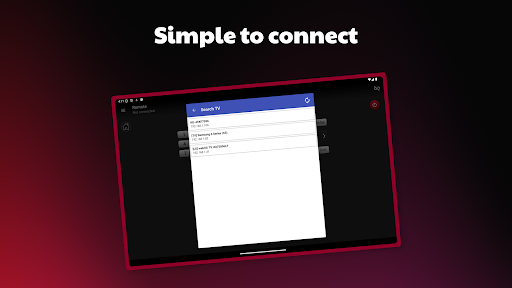
Remote for LG TV turns an Android phone into a controller for a compatible LG Smart TV. The TV and phone need to be connected to the same local network, by Wi-Fi or Ethernet. When the app finds the television, it asks for the code shown on the TV to complete the connection. That makes it a practical option for LG Smart TV owners who want to control the set from a phone already in hand.
The app’s main advantage is convenience: there is no separate handset to find before you can use it. But it depends on the TV being network-connected and the phone being on that network. A working physical remote does not rely on that connection, so it remains the more dependable choice if the network is down or the phone is elsewhere.
Remote for LG TV is published by AppAgency Labs and is not an official LG product. Its listing is in Video Players & Editors, but its purpose is narrower than video playback: it provides a way to control a supported television. The app has a 4.06 rating from 82,832 ratings and more than 10 million installs. Those figures show broad use, but they do not guarantee that it will connect with every LG TV or network setup.
Choose it if you have an LG Smart TV on your home network and want your phone to serve as an alternative controller. Choose the physical remote instead if you want control without depending on a phone or network. The deciding point is not which option is universally better, but whether phone-based convenience outweighs the extra network requirement in your home.