Advertisement
Click to download now, finish the installation quickly, and directly unlock the all-round experience
Advertisement
Screenshots
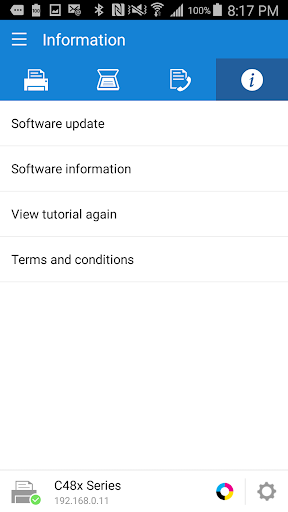
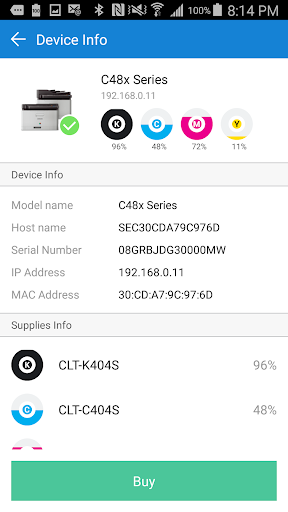
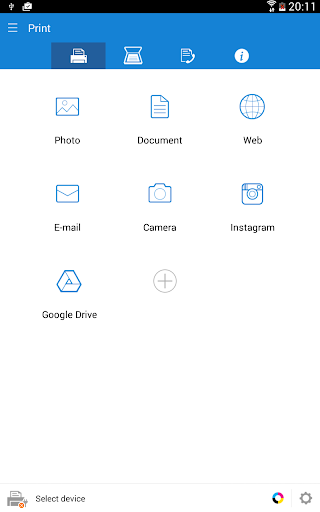
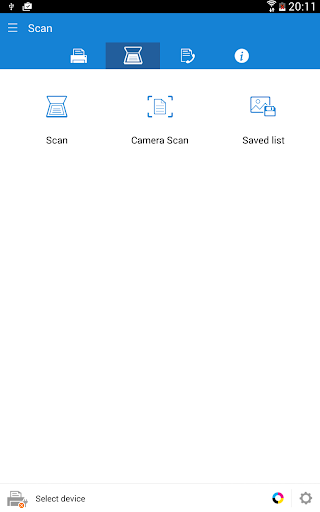
Click to download now, finish the installation quickly, and directly unlock the all-round experience
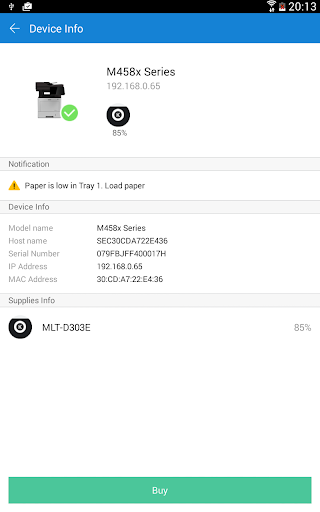
Samsung Mobile Print is a productivity app for sending documents, photos, emails and web pages from an Android device to supported Samsung printers. It is aimed at people who already use a compatible Samsung printer and want to print from a phone or tablet without moving files to a computer first. The developer is HP Inc.
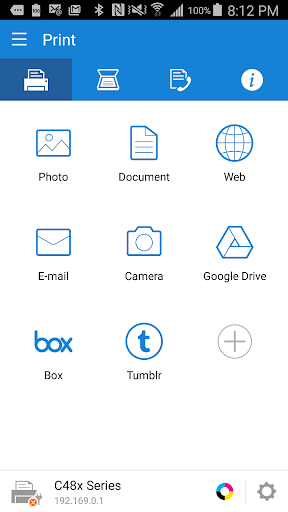
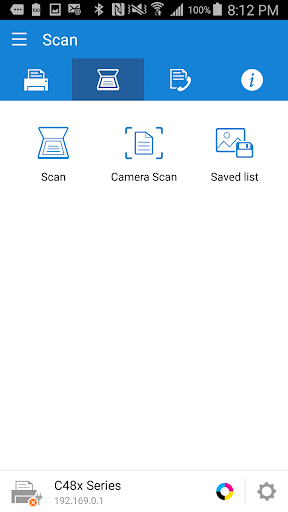
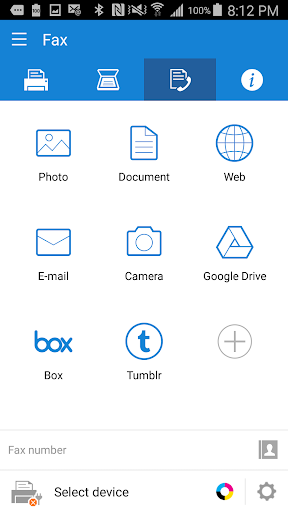
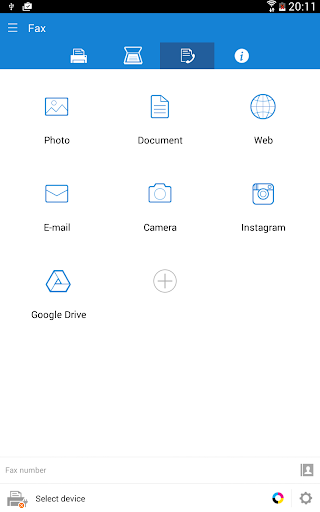
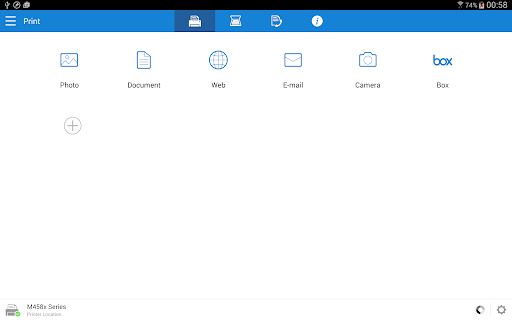
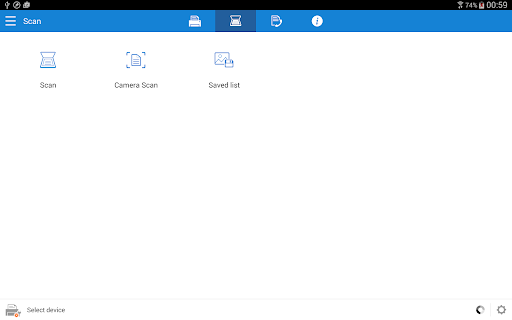
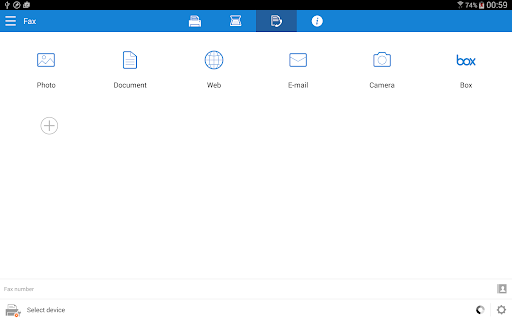
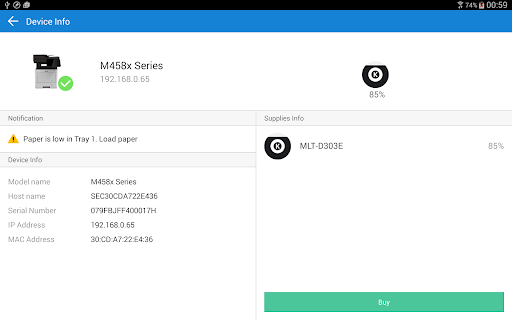
The app can print Office documents, PDFs and images, as well as content from services including Google Drive, Dropbox, OneDrive, Box and Evernote. It can also print email attachments and web pages. For supported network multifunction printers, it can scan from the flatbed or document feeder and save scans as PDF, JPG or PNG. Faxing is available on supported network printers, not as a general phone-based fax service.
Its main advantage over a printer-neutral mobile printing option is that it is built around Samsung printer models, including many laser and multifunction series. That focus is also its clearest limit: the app supports only Samsung printers. If your printer is from another manufacturer, or you are choosing an app before choosing a printer, a broader printing solution is likely a better fit. Some Samsung models support printing through a print server or shared connection, while scanning and faxing depend on supported network devices.
Pick Samsung Mobile Print if your printer is on its supported-model list and you need straightforward phone printing, scanning or occasional faxing. Look elsewhere if printer flexibility matters more than Samsung-specific functions. The app has 10,000,000+ installs and a 2.8 rating from 61,926 reviews. That gives a useful picture of its reach and user reception, but the rating alone does not explain how well it will work with a particular printer; compatibility is the first thing to check.