Screen Mirroring - TV Miracast
Sooltr LLC
Downloads
10,000,000+
Source
Google Play
Advertisement
Click to download now, finish the installation quickly, and directly unlock the all-round experience
Advertisement
Screenshots
Click to download now, finish the installation quickly, and directly unlock the all-round experience
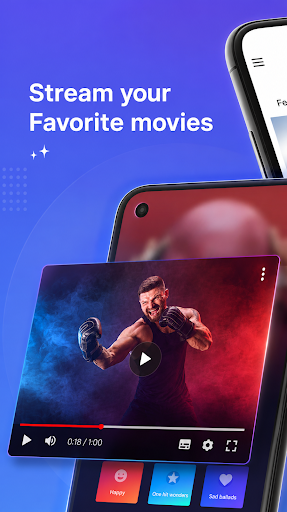
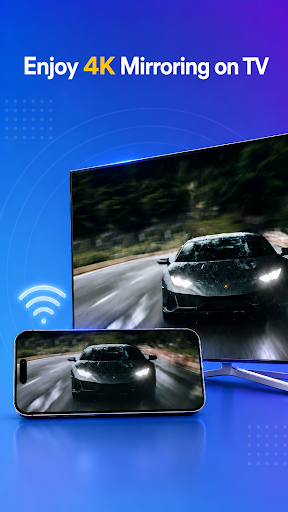
Screen Mirroring - TV Miracast sends an Android phone’s screen to a compatible TV, making it useful for showing photos and videos, browsing, or sharing mobile gameplay on a larger display. It suits people who want to put different kinds of phone content on the TV, rather than opening a separate TV app for each service.
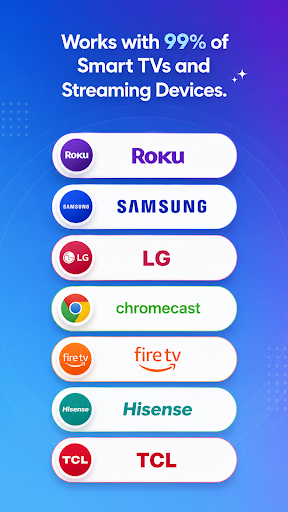
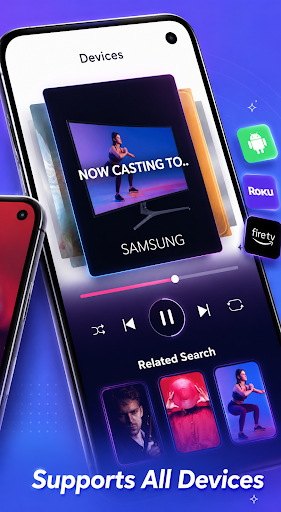
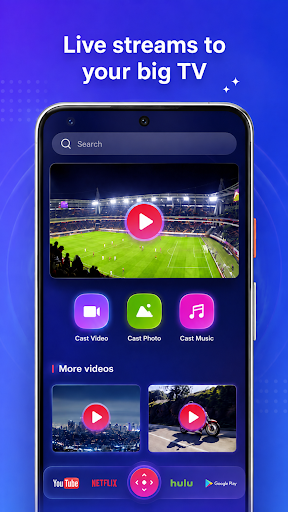
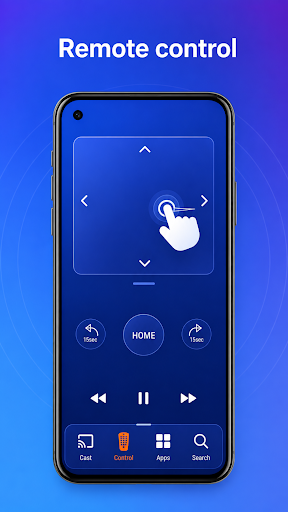
The app supports a range of smart TVs and streaming devices, including models from Samsung, LG, Sony, TCL, Xiaomi and Hisense, as well as Chromecast, Amazon Fire TV and Roku. It also includes shortcuts to content such as YouTube, photos, videos, audio files and Google Drive. That gives it a broader role than a tool used only to cast from one specific service.
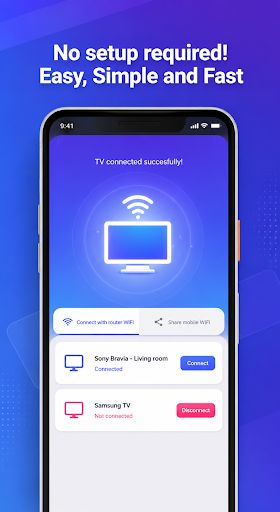
To connect, the phone and TV need to be on the same Wi-Fi network; you then choose a device and start mirroring. Compatibility and connection quality can depend on the equipment being used, so a listed brand alone does not guarantee every setup will work the same way.
Screen mirroring shows the phone’s display, which is handy for content that does not have its own TV app. But if you only want to watch a particular streaming service, using that service directly on the TV may be simpler than mirroring the phone. Choose this app when flexibility matters more than a dedicated viewing experience.
Its scale is notable for a Tools app: Sooltr LLC’s Screen Mirroring - TV Miracast has 10,000,000+ installs and a 4.63 rating from 692,318 reviews. Those figures suggest substantial uptake, though your experience will still depend on whether your phone and TV connect reliably.