
Figma: view. comment. mirror.
Figma Inc.
Downloads
5,000,000+
Source
Google Play
Advertisement
Click to download now, finish the installation quickly, and directly unlock the all-round experience
Advertisement
Screenshots
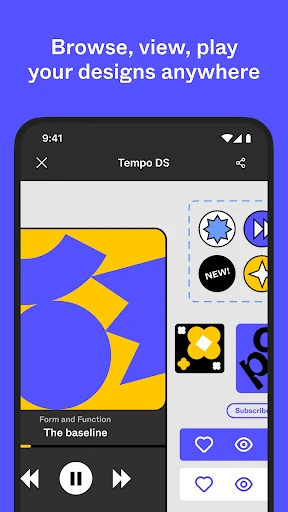
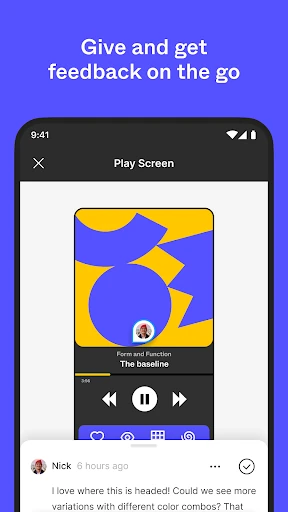
Click to download now, finish the installation quickly, and directly unlock the all-round experience
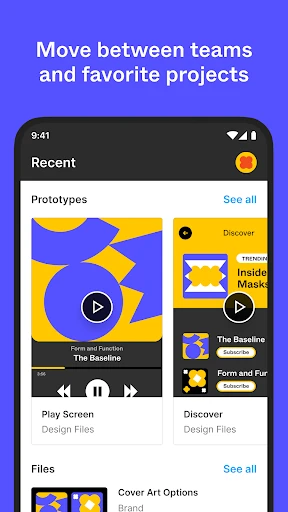
Figma: view. comment. mirror. is a companion app for people who need to check design files and prototypes away from their computer. It suits designers reviewing work on a phone, teammates leaving feedback, and developers or stakeholders who want to see how a design behaves on a real device. It is not a substitute for a full desktop design workspace.
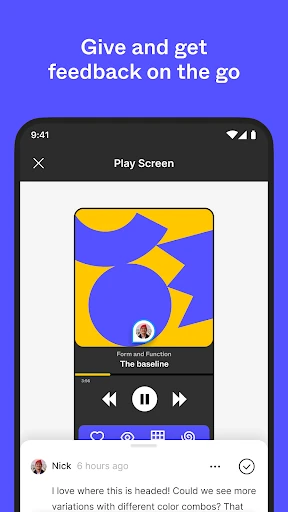
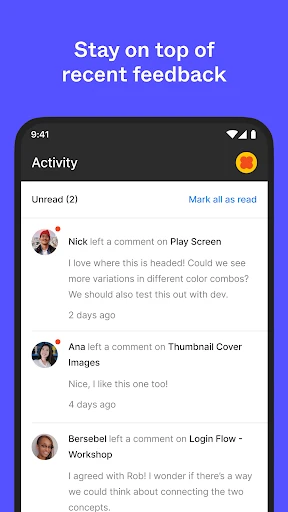
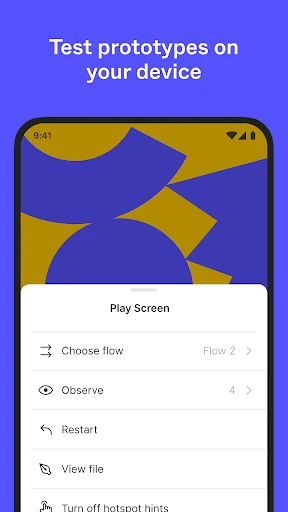
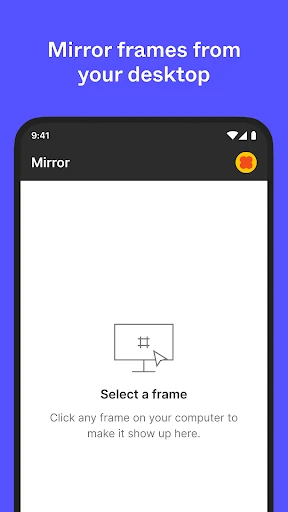
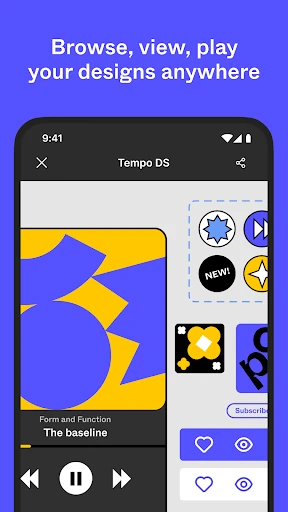
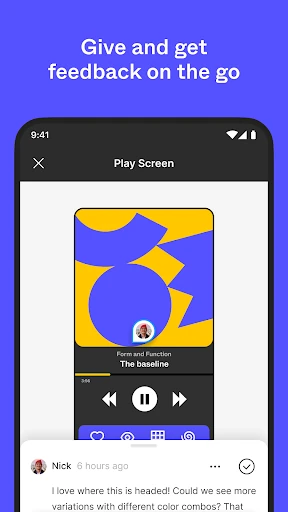
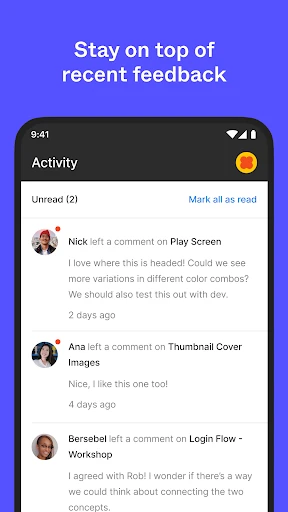
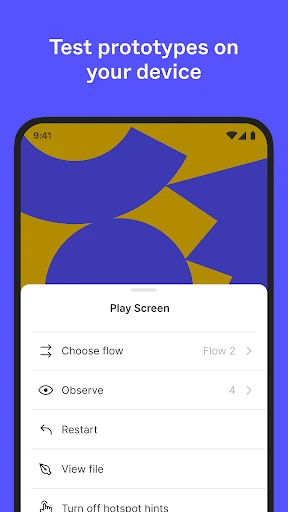
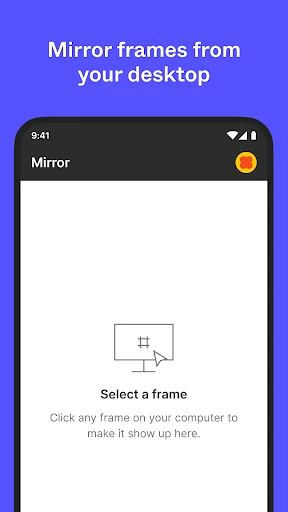
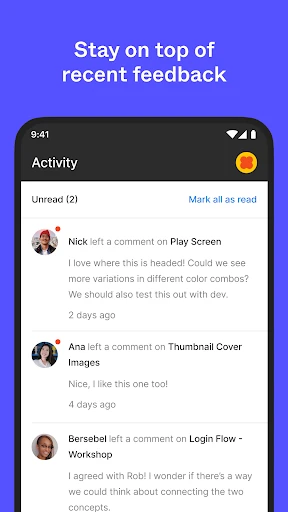
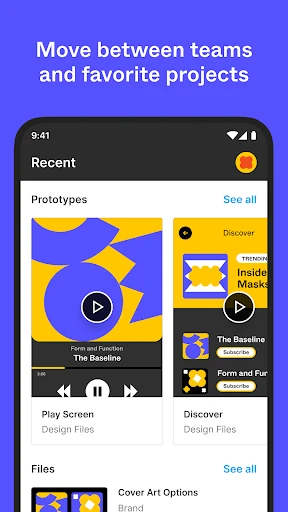
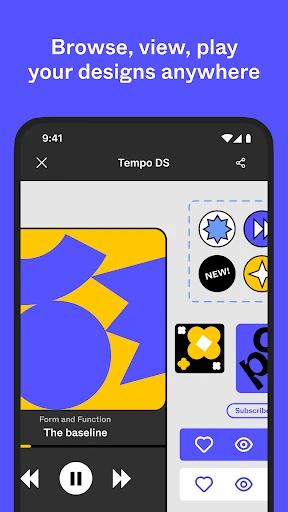
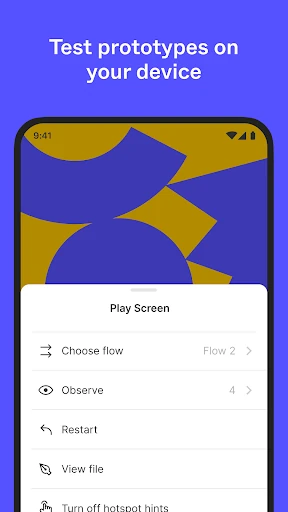
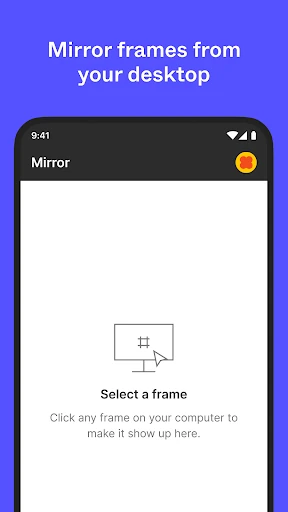
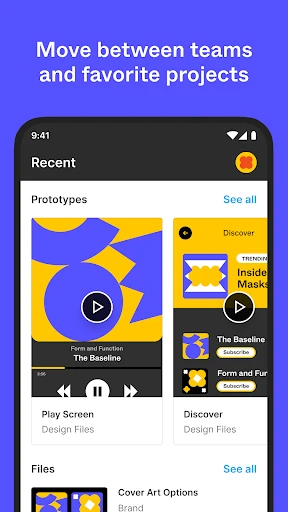
The app lets you browse Figma, FigJam and Slides files, then open prototypes to follow their interactive flows. Designers can mirror selected frames from a computer to a phone, which is useful for checking how layouts feel at handset size. Comments let collaborators add feedback, reply to discussions and resolve issues without waiting to get back to a desktop.
Choose this app when the job is viewing, testing or discussing existing work. Choose a desktop Figma workflow when you need to build or substantially edit designs: the mobile app is focused on access and review, not full-scale creation. Its value depends on having Figma projects to inspect, so it is less useful as a general-purpose drawing or design app.
That distinction matters when comparing it with mobile-first design tools. Those may be a better fit for making work directly on a phone; Figma’s companion is strongest when the source files and collaboration already live in Figma.
Figma Inc.’s Art & Design app has a 4.3 rating from about 58,957 ratings and more than 5 million installs. Those figures suggest a well-used option, but the practical choice is still about workflow: pick it for reviewing Figma work on the go, not for replacing a desktop editor.